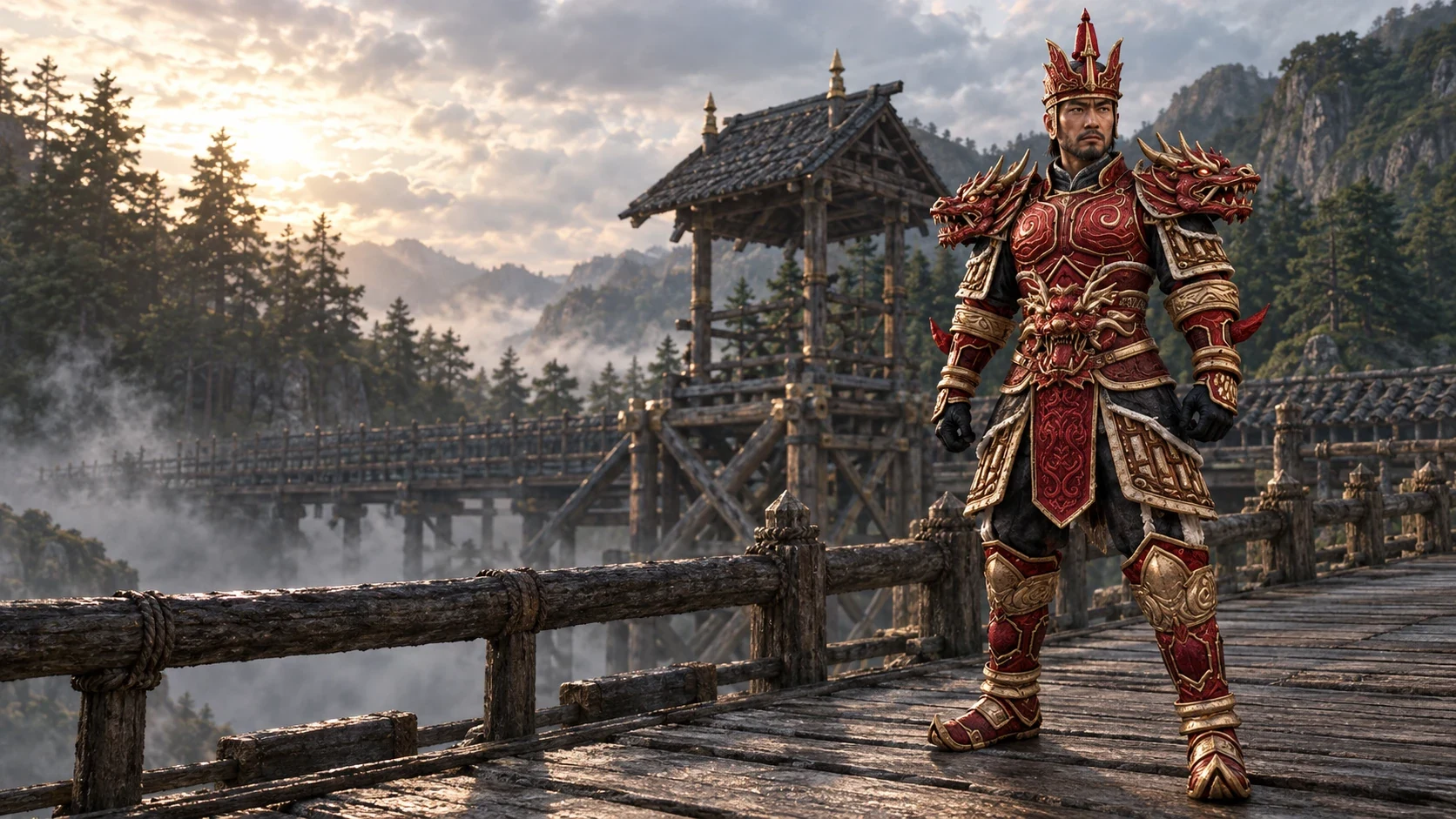
The front line
Knight
Fight at close range with swords. Armour and defence help you hold your ground.
- Play style
- Sword · melee · defence
- Second paths
- Commander · Vagabond Swordman

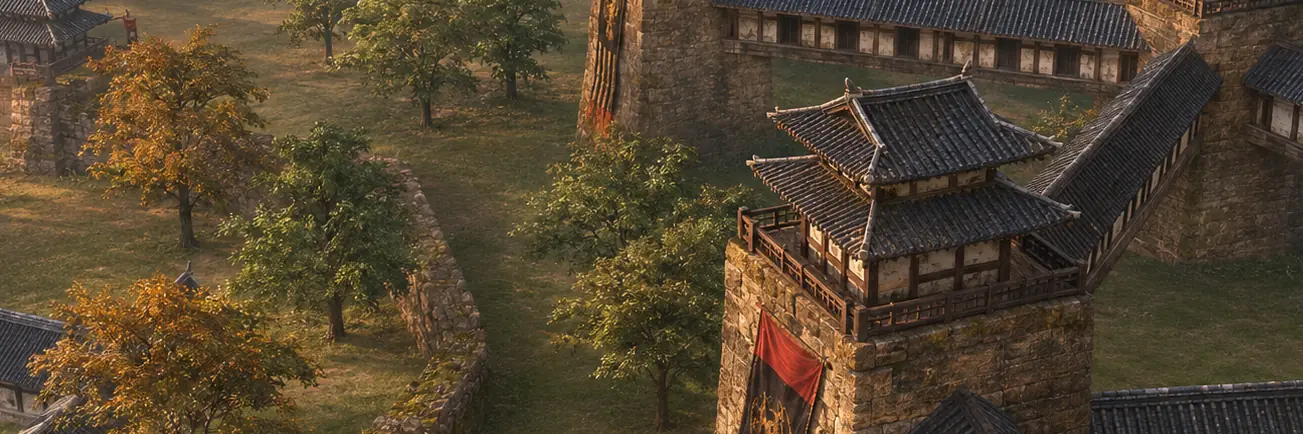
The adventurer’s journal
Choose your class. Follow the first quests.
Make the old world feel familiar again.
01 / Get started
New to Kal or returning after years away?
Start here.
Create your game account and keep your username ready.
Create your account →Windows or Mac. Follow the installation steps for your platform.
Open the game, select Kal2006 and sign in with your game username. Choose your class and create a character in the game.
Meet the three classes ↓02 / Your character
The front line
Fight at close range with swords. Armour and defence help you hold your ground.
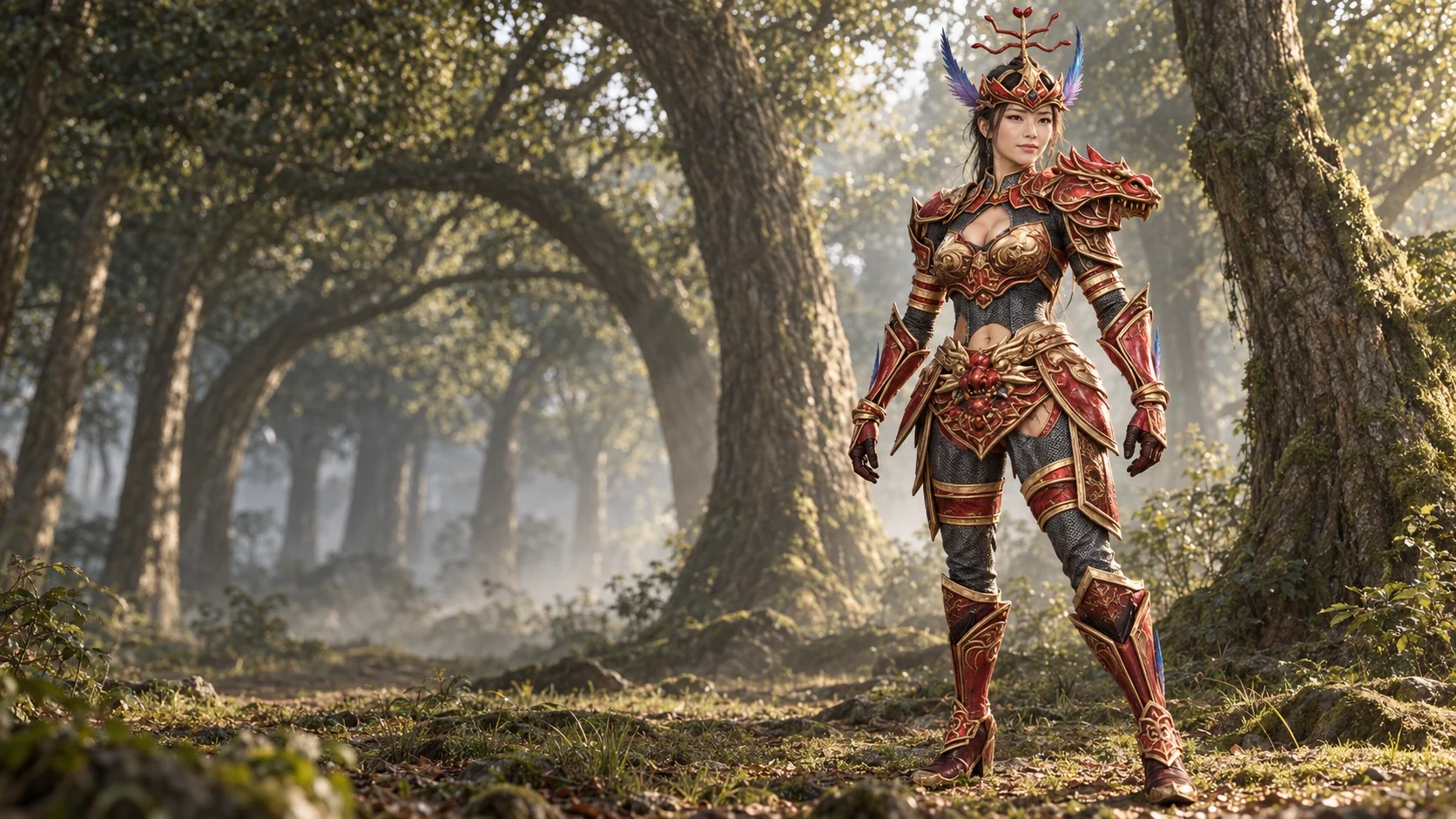
The perfect shot
Fight at range with a bow. Keep your distance, choose your shot and keep moving.
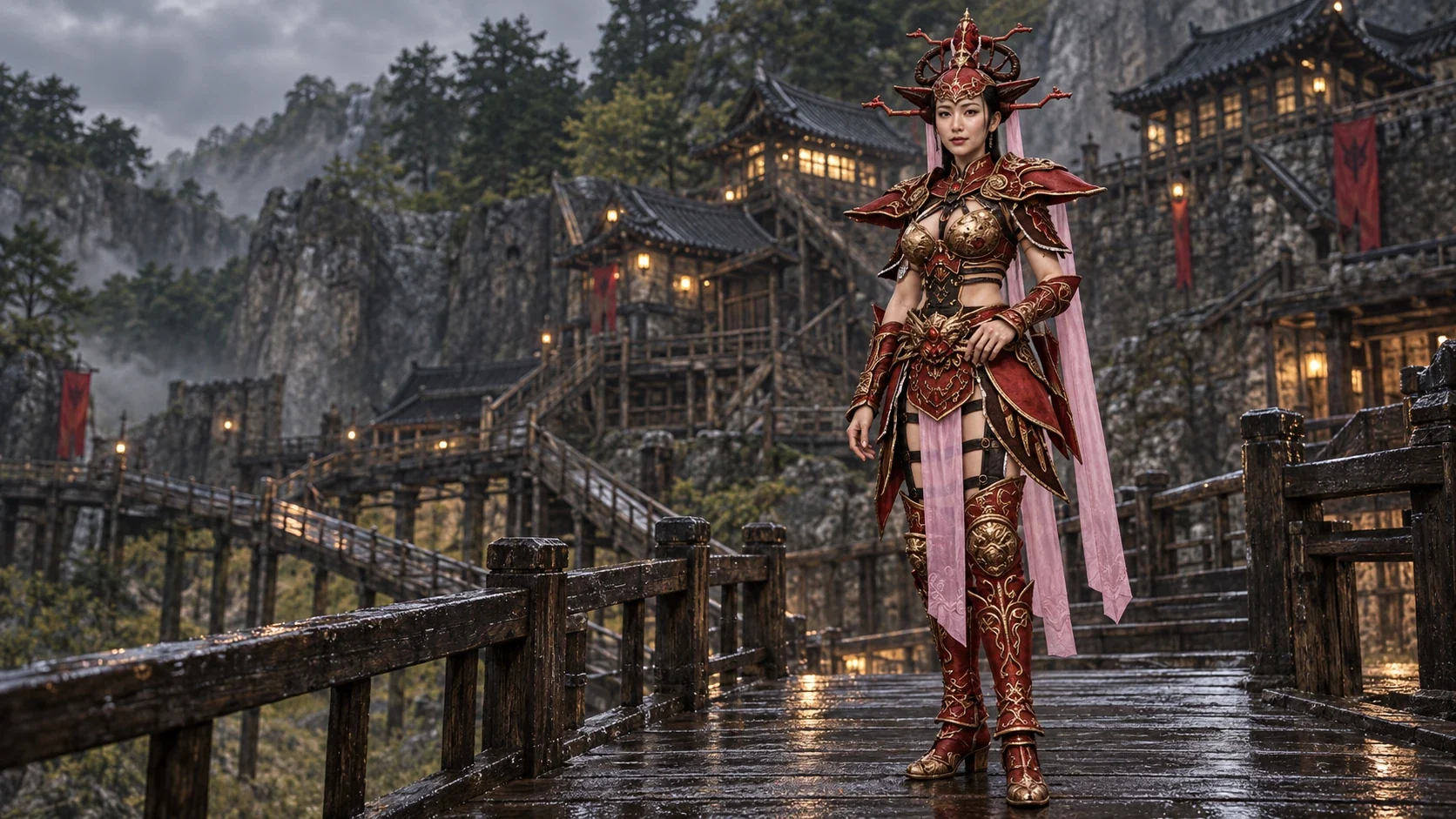
The arcane arts
Elemental attacks, healing and support. Your choice of skills shapes your role in a group.
Class artwork shows an imagined adventurer. See the equipment atlas for starter outfits, armour grades and weapon comparisons.
03 / The classic quest journal
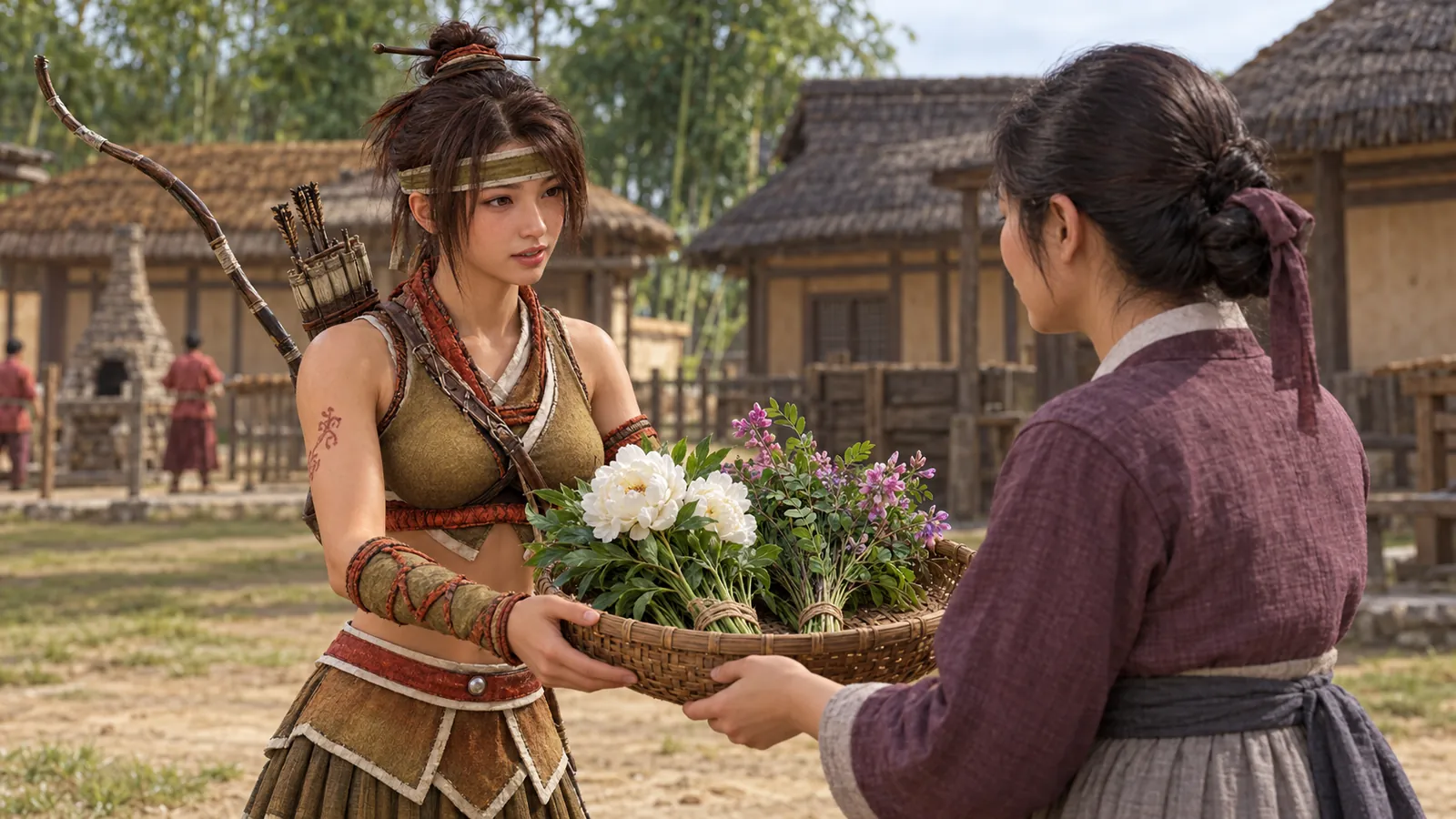
A route you can follow
Follow the NPC conversations, collect the right quest items, check hunting targets and return to the person waiting for you. Begin with a route below, or search all 87 guides.
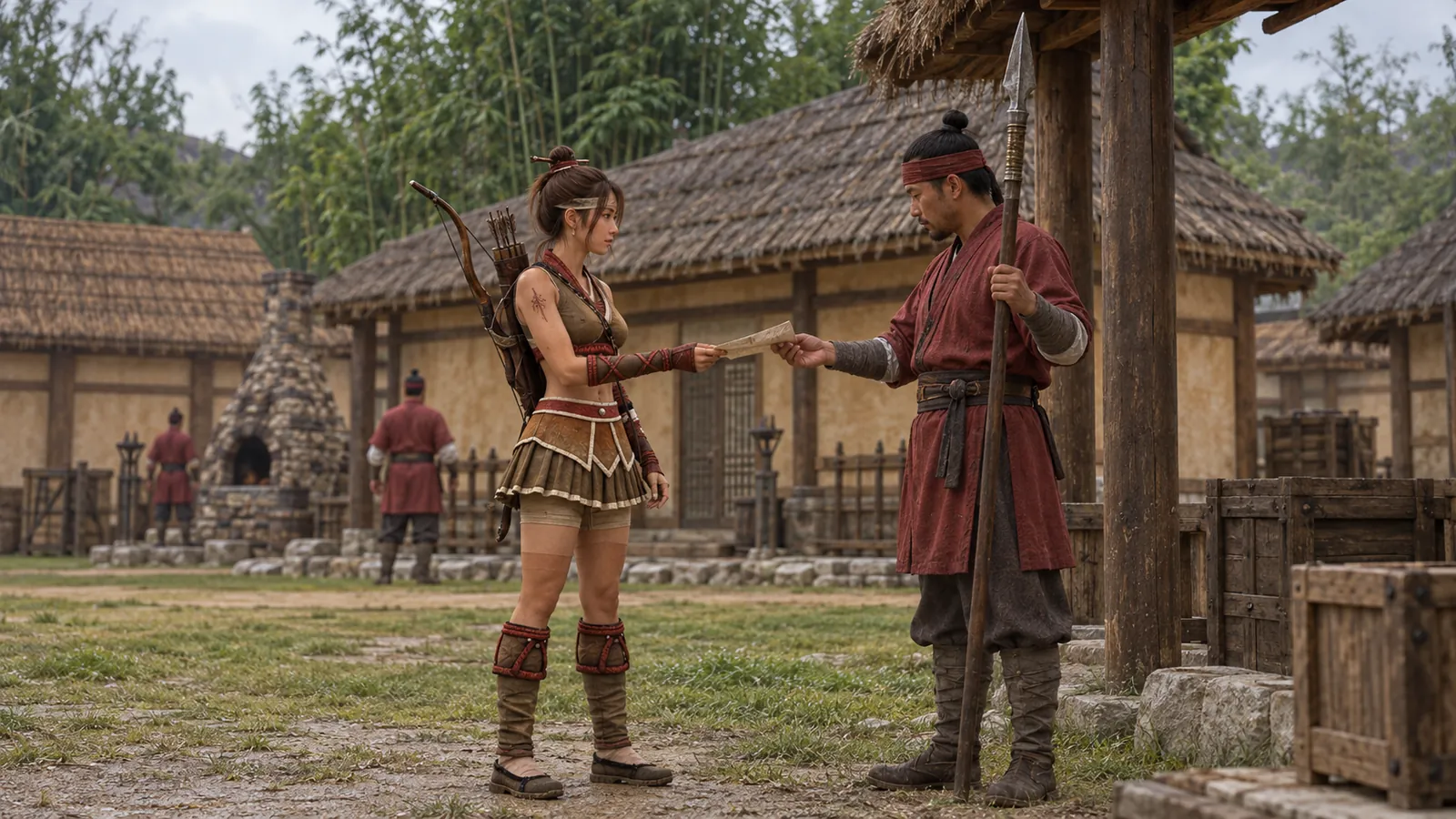
The first conversations
Start with the people of Narootuh. Follow the conversation order and deliver each letter before moving on.
Follow the first route →Won-Jung and Yae-Jin’s Love
Carry Won-Jung’s letter to Yae-Jin, collect the two herbs from Big Handed Slaves and bring the tonic home.
Read the complete walkthrough →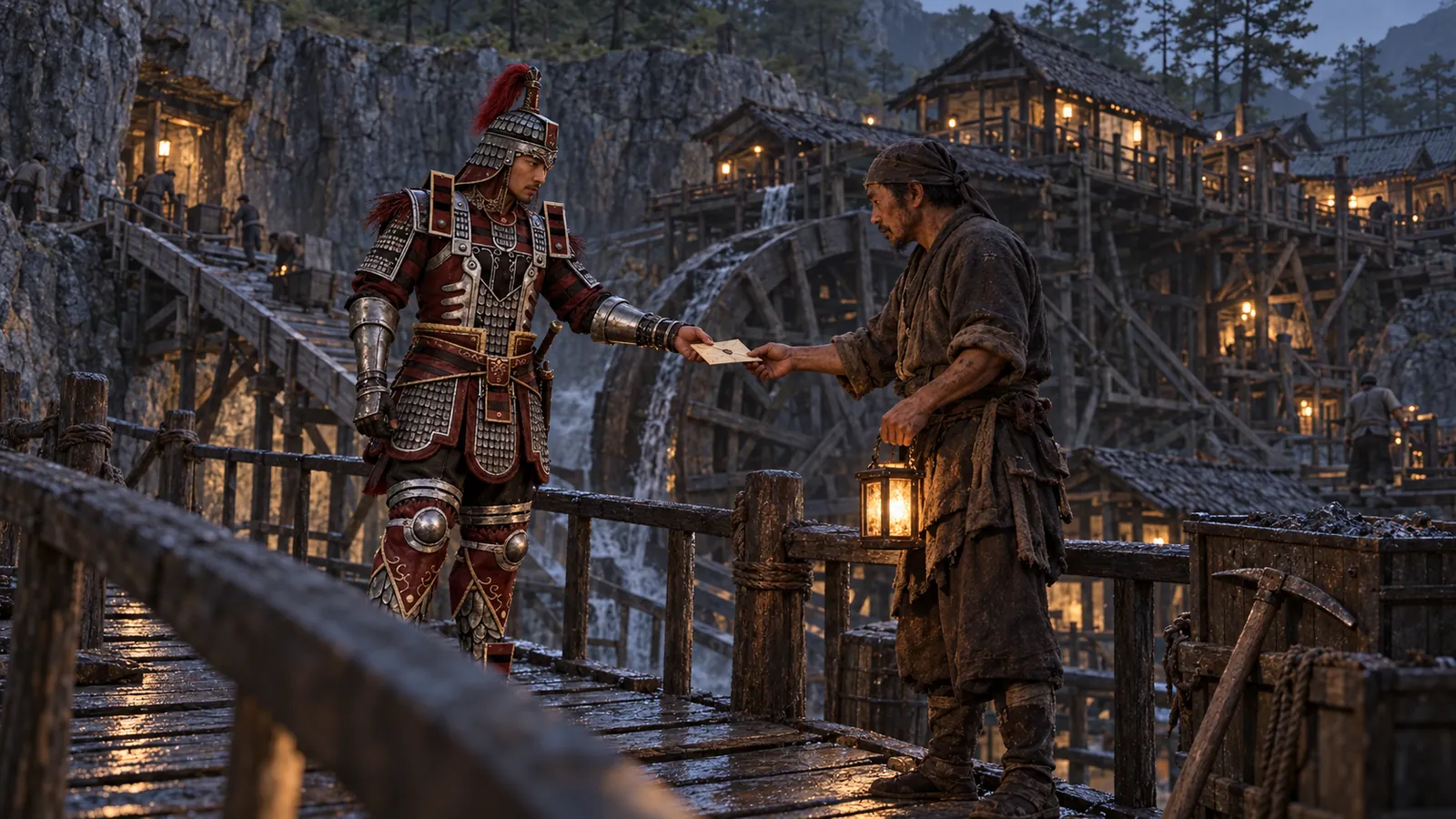
A new profession
Read the level and class requirements, find the profession NPCs and check each choice before committing.
Prepare for the first job →04 / The first days
A few things to check
before the next hunt.
Your beginning weapon gets you through the first battles. Compare equipment drops with the gear offered by village merchants.
Explore the full armour showcase →Speak to village NPCs and watch for level requirements. Quest progression and job changes are separate steps.
Find a quest route →The classic Ancient Animal Egg quest begins at level 15. Knights follow the tiger, Archers the panther, and Magicians the bird.
Read the egg quest →Prepare health and mana medicine before leaving the village. Check your supplies and equipment endurance between hunting trips.
Get help with the game →Cinematic combat studies
Game-inspired artwork, not gameplay screenshots.
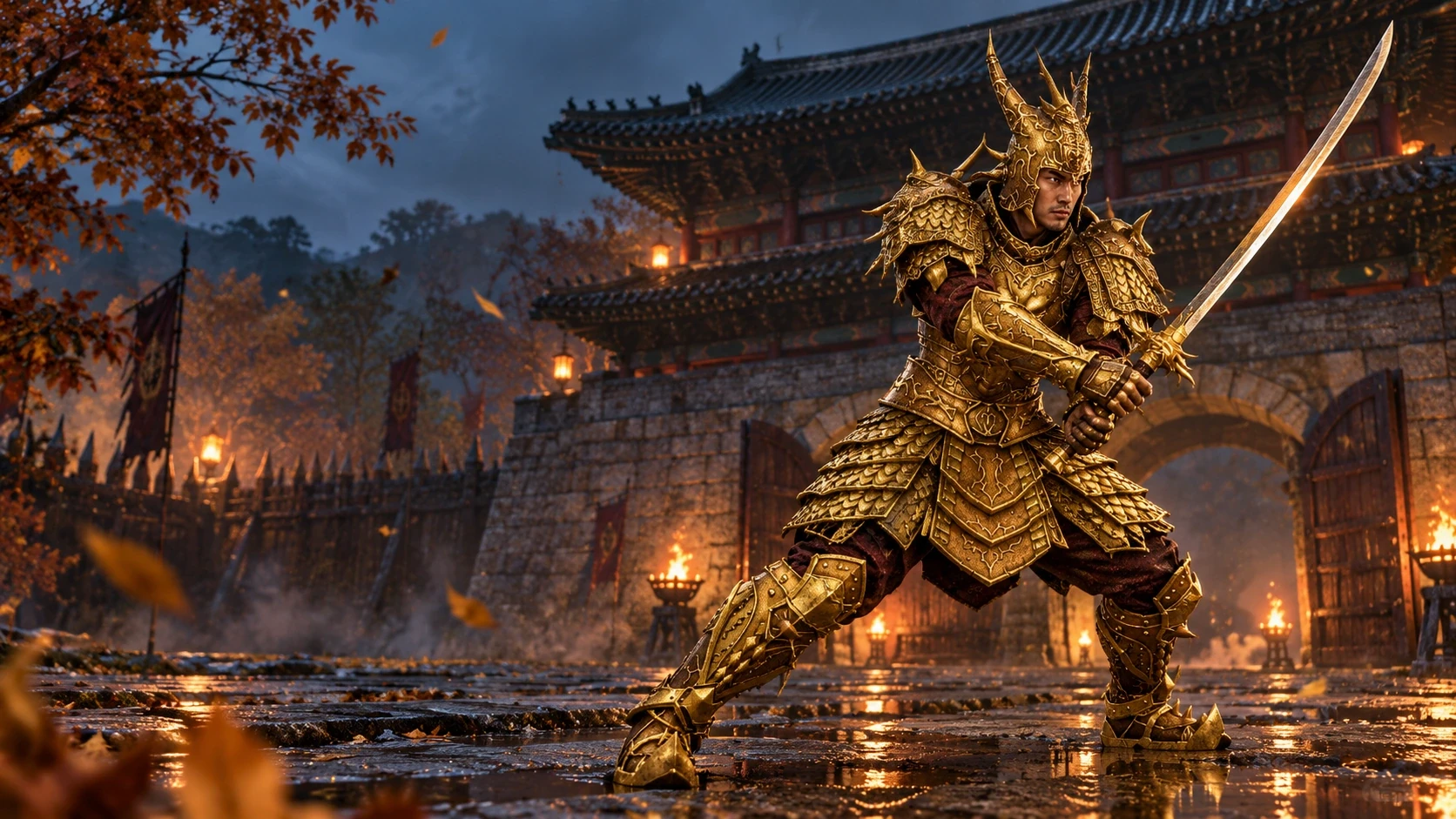
G60 equipment study
A cinematic interpretation of original game equipment in battle.
Explore Knight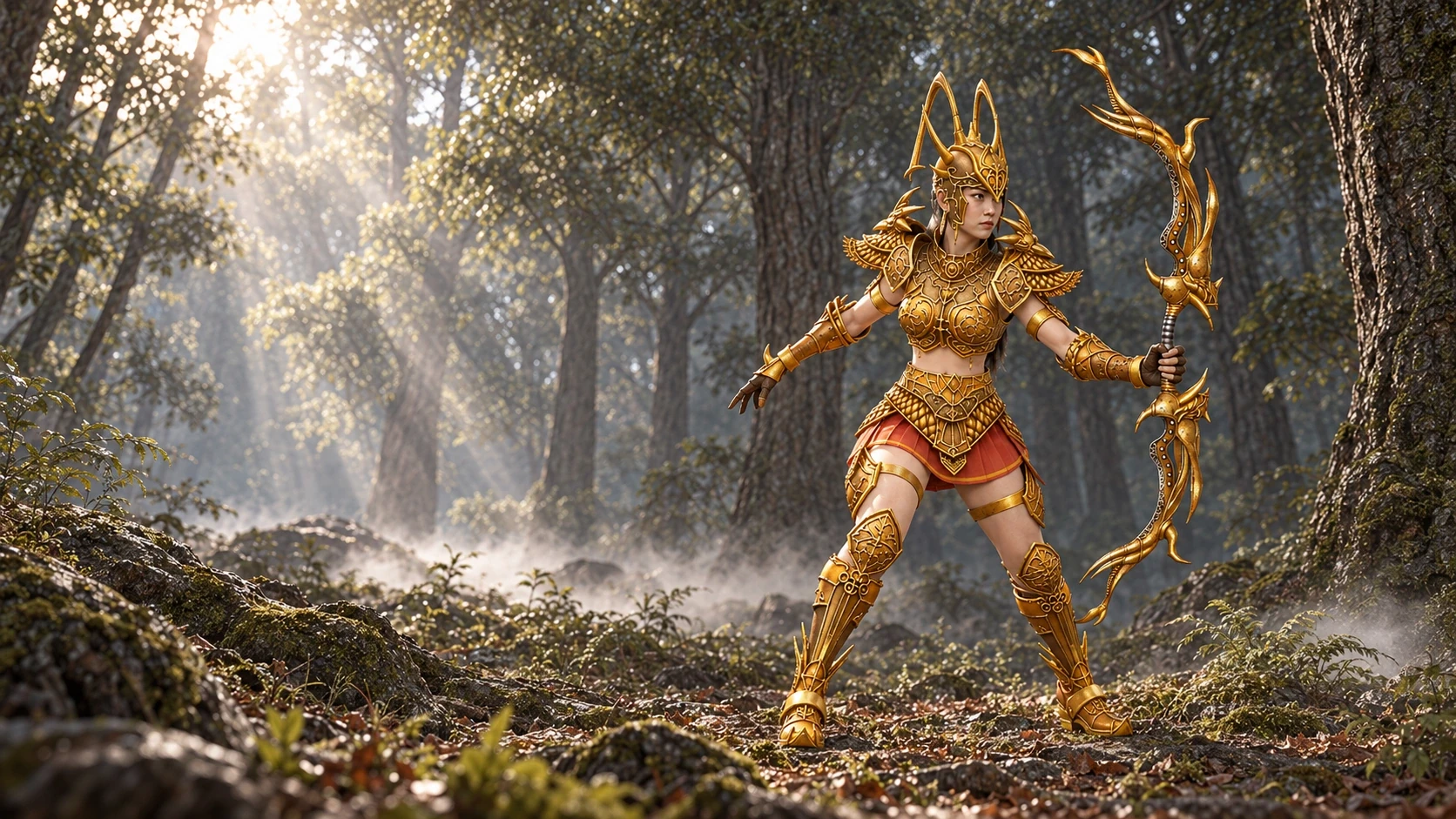
G60 equipment study
A cinematic interpretation of original game equipment in battle.
Explore Archer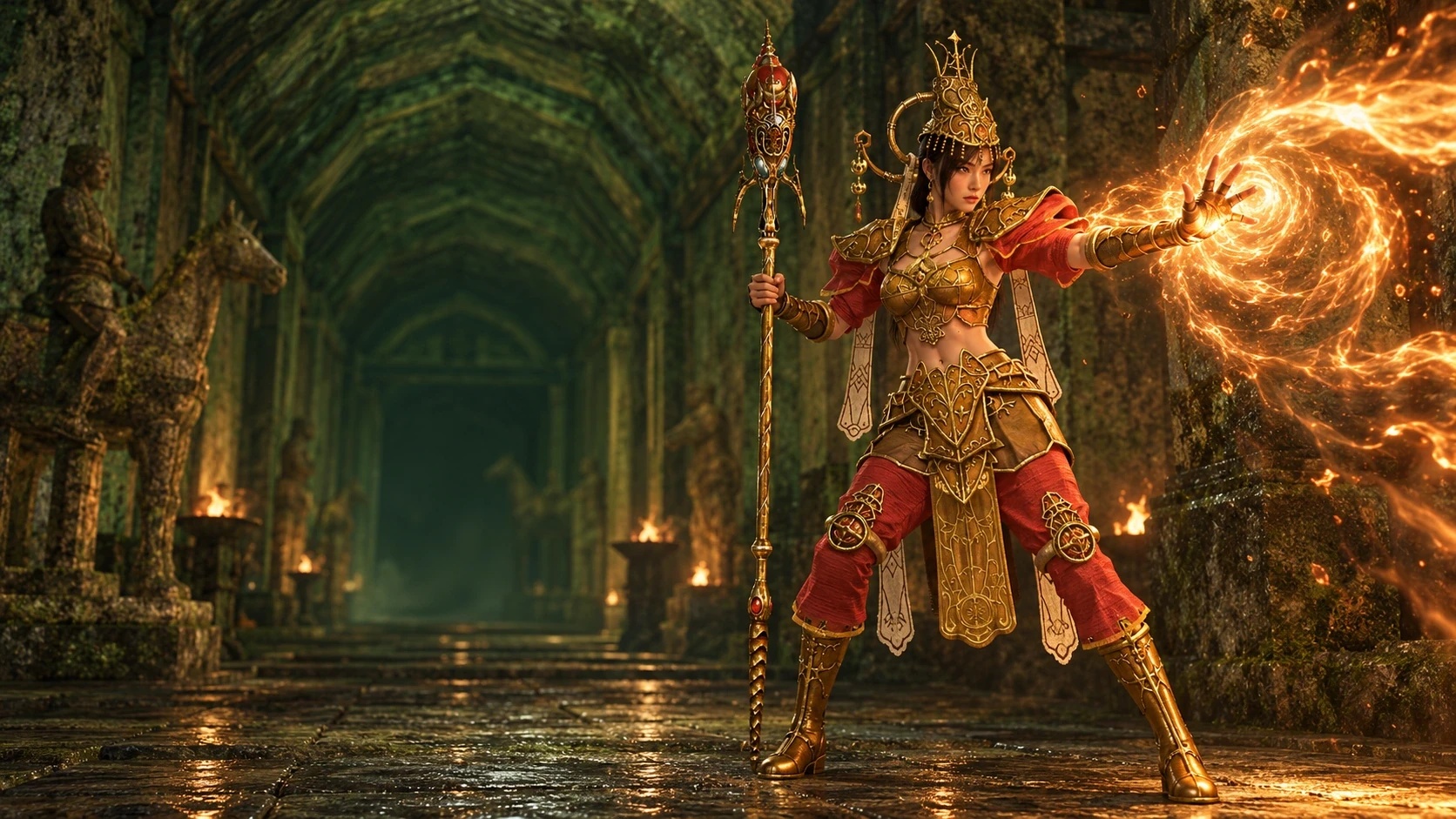
G60 equipment study
A cinematic interpretation of original game equipment in battle.
Explore MagicianBetween adventures
Places worth remembering
From thatched villages to stone guardians and old fortresses, find familiar places in the world guide.
See the world of Kal →
A change of pace
Read the fishing-ground entry guide before travelling, and check the recorded requirements for the service you need.
Read the fishing guide →Keep the journey moving
Tell us what happened
and where you got stuck.
Choose the Windows client for Windows, or check the Mac beta page for supported hardware, macOS requirements and installation steps. Use the download page for the latest available version.
Check your level, prerequisite quests and the previous conversation. Keep the required items on the character following the route. The quest guides list the NPCs and return steps.
The equipment atlas compares starter outfits, G42 and G46 armour, with G1, G40 and G45 weapon references. Equipment grades and character levels are different.
The complete armour showcase
Explore the original class outfits across their equipment grades, seasonal costumes and the new Kal2006 G73 concept series.

An old world, rediscovered
A sword, a bow or a staff.
Choose your path and return to the village.
Photographic reconstructions are AI-assisted interpretations of classic KalOnline references. Exact 2006 game parity has not been verified. References: 2005 screenshot archive and 2005–2006 player gallery.
INSTALLATION HELP